
EDMProgressiveHouse
Hear songs created from original lyrics
Preview complete Sunoi demos while you plan how your own verses, choruses, and vocal direction can become a finished song.
MysteryColdLofi Vocal
R&BLazyNeo-Soul
FolkCountryChill
AmbientElectric GuitarWarm Vibe
UK GarageVocal ChopsGroovy
FolkCountryAcoustic
AmbientElectronicaNight
Continue your lyrics-first workflow
Draft the words, generate a complete take, and move the strongest result into the right Sunoi refinement tool.
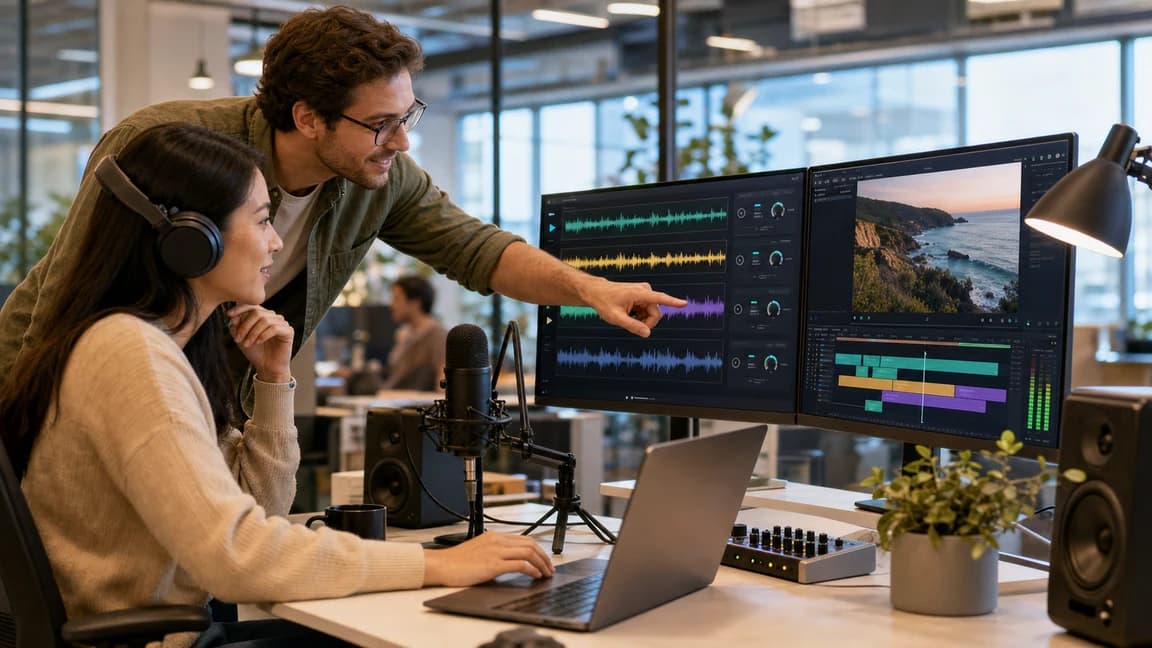
Create instrumental foundations first
Start with background music, pacing, and scene tone before you commit to vocals and full arrangement.
Create Instrumental Music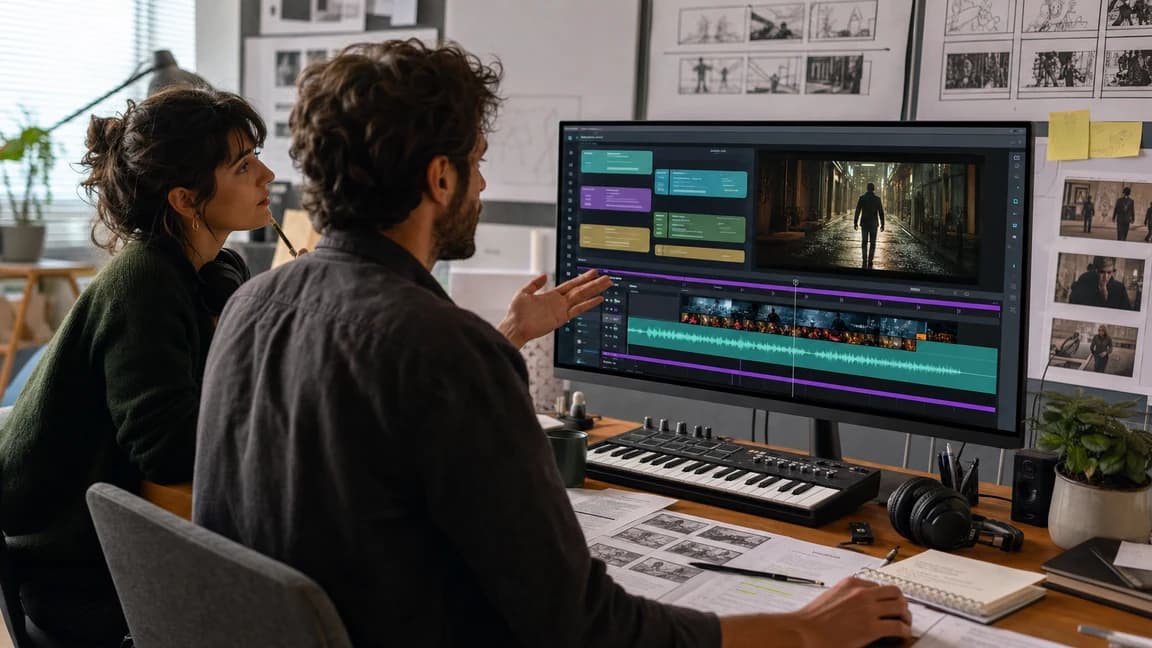
Write lyrics first
Draft hooks, verses, and choruses first when the message matters before production.
Write Lyrics First
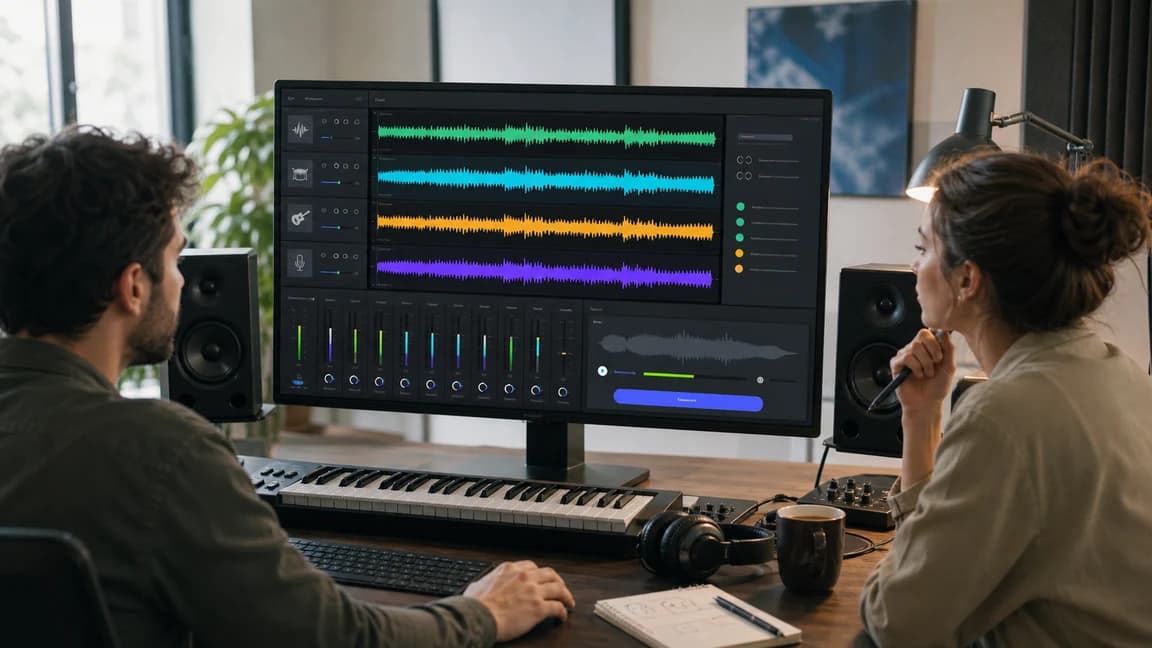
Start from instrumental direction
Move from mood exploration to full song generation.
Go to Text to MusicTurn your lyrics into a complete song
Keep your words at the center of the workflow while Sunoi turns them into an arranged, playable draft.
Paste your lyrics
Add verses, choruses, bridges, and vocal notes in the lyrics field.
Direct the sound
Describe genre, mood, instruments, tempo, and vocal character in Style.
Generate and refine
Review the result, improve your direction, and continue with Sunoi's editing tools.
When to choose Own Lyrics
Choose this route when the wording matters more than starting from a general song description.
Songwriters
Hear an original lyric draft as a full song before recording.
Personal songs
Keep names, memories, and details exactly as you wrote them.
Campaign and story teams
Work from approved copy while exploring different musical directions.
Keep creative control over your words
Own Lyrics mode is for writers who already have the message, structure, or exact lines they want the song to use.
Structure is welcome
Section labels such as Verse, Chorus, and Bridge help communicate the intended form.
Style stays separate
Use the Style field for production and performance direction instead of mixing it into the lyric text.
Iterate deliberately
Preserve the strongest lines and adjust only the musical direction when the writing is already right.
Own Lyrics frequently asked questions
Can I paste a complete song lyric?
Yes. You can include verses, choruses, a bridge, and performance notes in the lyrics field.
Where should I describe genre and vocals?
Use the separate Style field for genre, mood, instruments, tempo, and vocal direction.
Will Sunoi rewrite my lyrics?
This workflow submits the lyric text you provide as the song's lyrical direction; review every generated result before publishing or sharing it.
Can I make an instrumental in this mode?
Use Text to Music for the dedicated instrumental workflow. Own Lyrics mode is designed around supplied lyric text.
What should I do after a good generation?
Save the result in My Music, then extend or split stems when you need additional editing.
Bring your finished lyrics to life
Paste your draft above, add a concise style direction, and generate a first playable version.