
Lyrics Generator — editable lyric text
Lyrics Generator — editable lyric text
Use Lyrics Generator for editable text, Own Lyrics for approved original words, and Full Song for vocals, melody, and arrangement.
Lyrics Generator — editable lyric text
Own Lyrics — your original lyrics as input
Full Song — generated vocals, melody, and arrangement
Text-only input example
This documentation sample separates lyric sections before generation. Labels show the intended order, while concise lines leave room for phrasing. Every line is placeholder material to replace.
Illustrative lyric input
Streetlights fade behind the morning train I carry your last note through the rain
Every mile pulls the old words apart But the rhythm keeps time with my heart
Meet me where the blue hour turns to gold We can start again before we're old
Documentation example only — not a published generation test and not linked to any demo audio or an output result.
Verse, Pre-Chorus, Chorus, Bridge, and Outro labels clarify the intended order. They guide the result without guaranteeing an exact arrangement.
Short lines make breath and phrasing easier to assess. Crowded sentences are better split before generation than left entirely to the vocal.
Original lyrics or permitted text are the safe starting point. Co-writer approval still matters, and unauthorized passages or references should be removed.
You retain rights in original lyrics you provide. That alone does not determine generated-song or commercial-use rights; check the active plan and License Agreement. This is product guidance, not legal advice or a copyright-registration claim.
Lyrics Generator → Own Lyrics → Full Song
Start with what you have. A finished lyric can go to Own Lyrics; an unfinished idea belongs in Lyrics Generator first.
A topic, story, or rough hook belongs here while it still needs words, sections, or a rewrite. The result remains editable text, not audio.
Approved text and useful section labels go in the lyrics field. Genre, mood, vocal character, tempo, and arrangement remain separate guidance.
The generation adds vocals, melody, sections, and arrangement around the words. Review intelligibility, phrasing, melodic fit, and section pacing.
Both products accept original lyrics, but drafting and generation remain separate steps. The table compares preparation, submission, and stated rights in the original words.
Facts checked:
Published by Sunoi. Suno facts link to Suno's official Help Center and Terms of Service. Features, plan access, and terms can change.
| Sunoi vs Suno for using your own lyrics | Sunoi | Suno |
|---|---|---|
| Preparing the lyric | Sunoi separates editable lyric drafting from Own Lyrics generation, so you can approve the words before creating audio. Sources: AI Lyrics Generator, Own Lyrics workspace | Suno's Custom Mode accepts lyrics you enter or generate in its creation flow, alongside style and advanced options. Sources: Suno Custom Mode |
| Rights in original lyrics | Sunoi requires material you may use. You remain responsible for authorship, permissions, and intended use. Sources: Sunoi License Agreement | Suno's Help Center says users retain ownership and rights to original lyrics they enter, regardless of version. Sources: Using your own lyrics in Suno |
| From words to a song | Sunoi combines submitted words with separate style direction to generate vocals, melody, sections, and arrangement. Sources: Own Lyrics workspace, Lyrics to Song AI | Suno's Custom Mode asks for lyrics, styles, advanced options, and a title before creation. Sources: Suno Custom Mode |
Explore Suno alternatives by task
Open the overview or choose a task-specific comparison.
Source-material responsibility
Original words and generated audio are different artifacts. Confirm submission rights, then check plan and license terms before publishing or commercial use.
Sunoi is an independent AI music platform. It is not affiliated with, endorsed by, or sponsored by Suno. Suno is a trademark of its respective owner.
You are responsible for submitted material. Owning an original lyric does not automatically establish generated-output rights. Covered commercial use follows the paid plan and License Agreement.
Review the License AgreementYes. Open Own Lyrics, paste permitted lyrics, keep useful section labels, and add separate performance guidance.
AI Lyrics Generator creates editable text. Own Lyrics starts with approved words and generates a sung song around them.
You retain rights in original lyrics you provide. Confirm the words are yours or that every relevant rights holder permits their use.
Not automatically. Lyrics and generated output are separate. Check your plan and License Agreement for output and commercial-use terms. This is not legal advice.
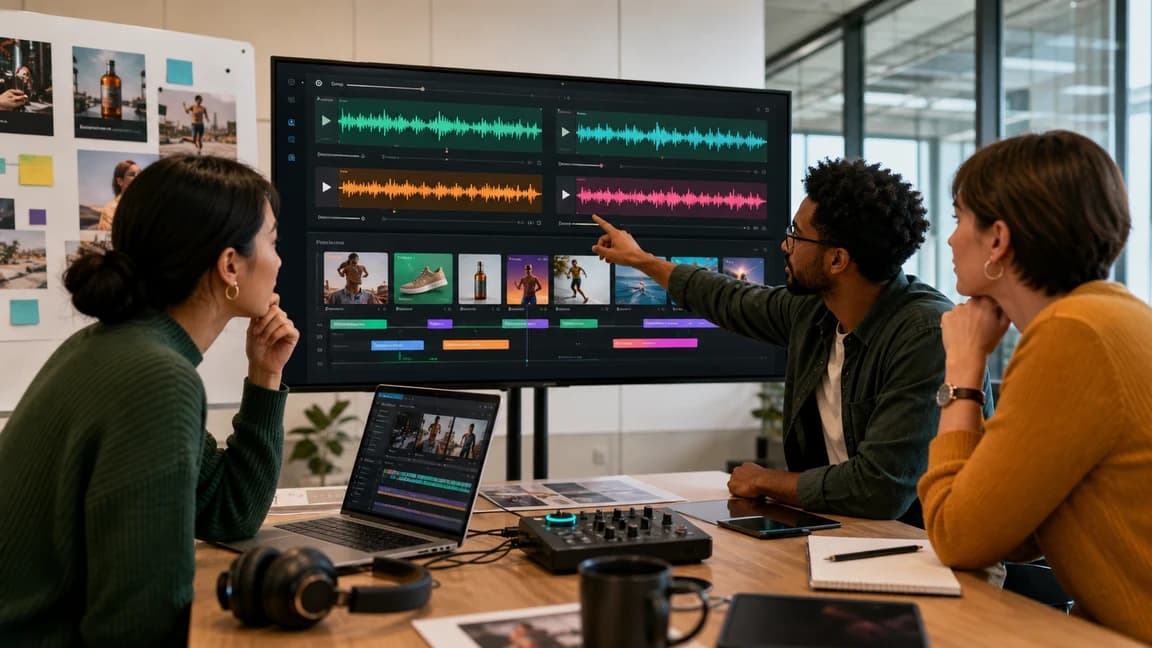
Paste approved lyrics, add performance direction, and generate a song. Submit authorized material. Output and commercial rights follow the active plan and License Agreement.