
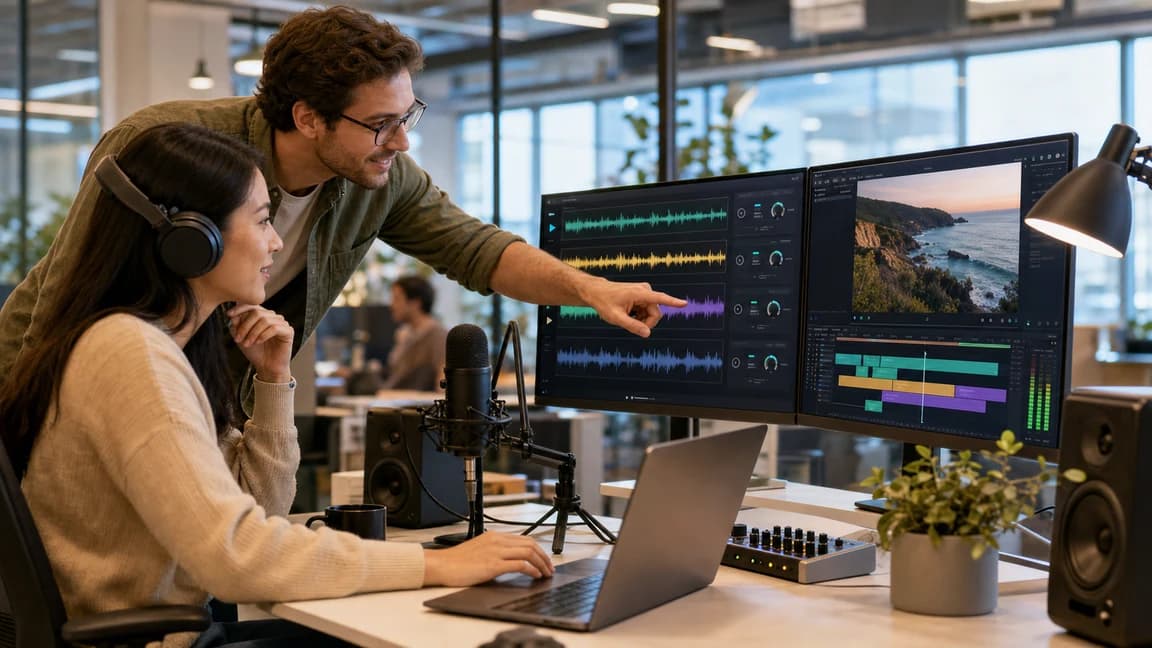
Who this workflow is for
Background music from text descriptions
Turn scene notes, mood prompts, and creative briefs into original instrumental tracks for videos, podcasts, and scene-based content.
Background music from text descriptions
Generate scene-matched audio without stock music compromise.
Hear emotional tone before final script and edit lock.
Score campaigns and product stories directly from brief text.
Discover the sonic world before committing to lyrics.
How this mode works
This workflow converts descriptive language into instrumental output. It is tuned for tone, texture, pacing, and storytelling support rather than lyric structure.
Generate scene-matched audio without stock music compromise.
Hear emotional tone before final script and edit lock.
Score campaigns and product stories directly from brief text.
Text to Music is built for moments where atmosphere comes first. Describe pacing, emotion, and setting, then generate instrumental audio that fits your content.
Generate scene-matched audio without stock music compromise.
Hear emotional tone before final script and edit lock.
Score campaigns and product stories directly from brief text.
Discover the sonic world before committing to lyrics.
What you can create
Start with mood and motion, then promote the best direction into full songs.
Move from instrumental mood and pacing into a complete song with vocals and arrangement.
Make a Full SongDraft hooks and verses before you bring them back into the final composition workflow.
Write Lyrics FirstUse extend and stem tools to polish output.
See music toolsUse your instrumental base as the song foundation.
Go to AI Music GeneratorMove from instrumental mood and pacing into a complete song with vocals and arrangement.
Make a Full Song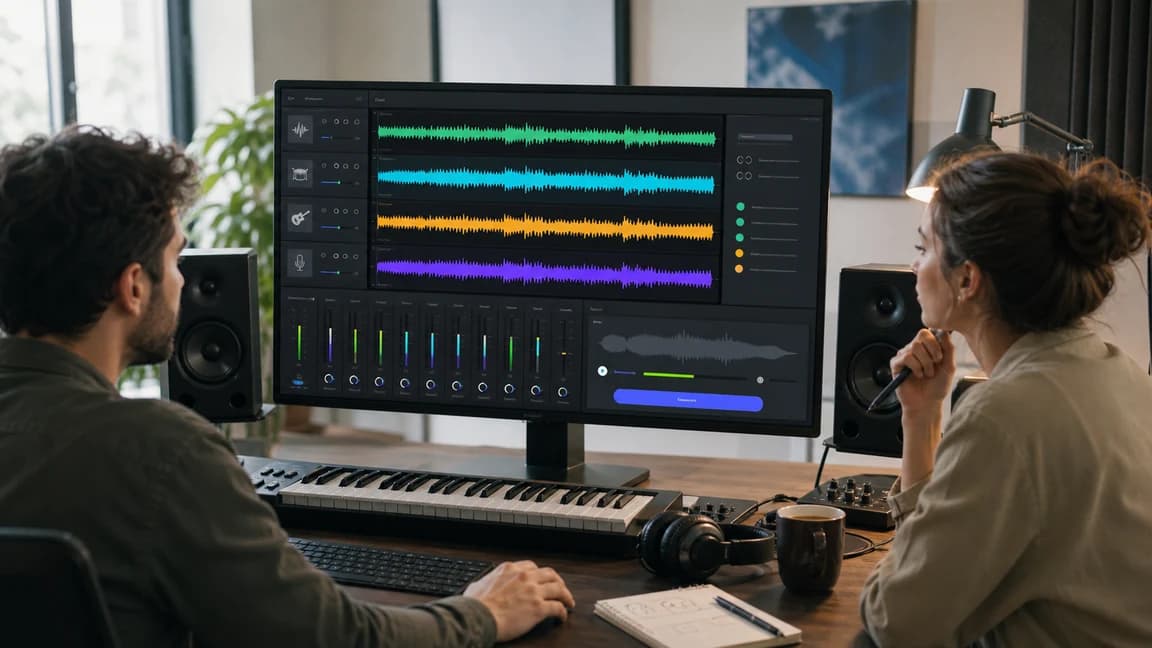
Draft hooks and verses before you bring them back into the final composition workflow.
Write Lyrics First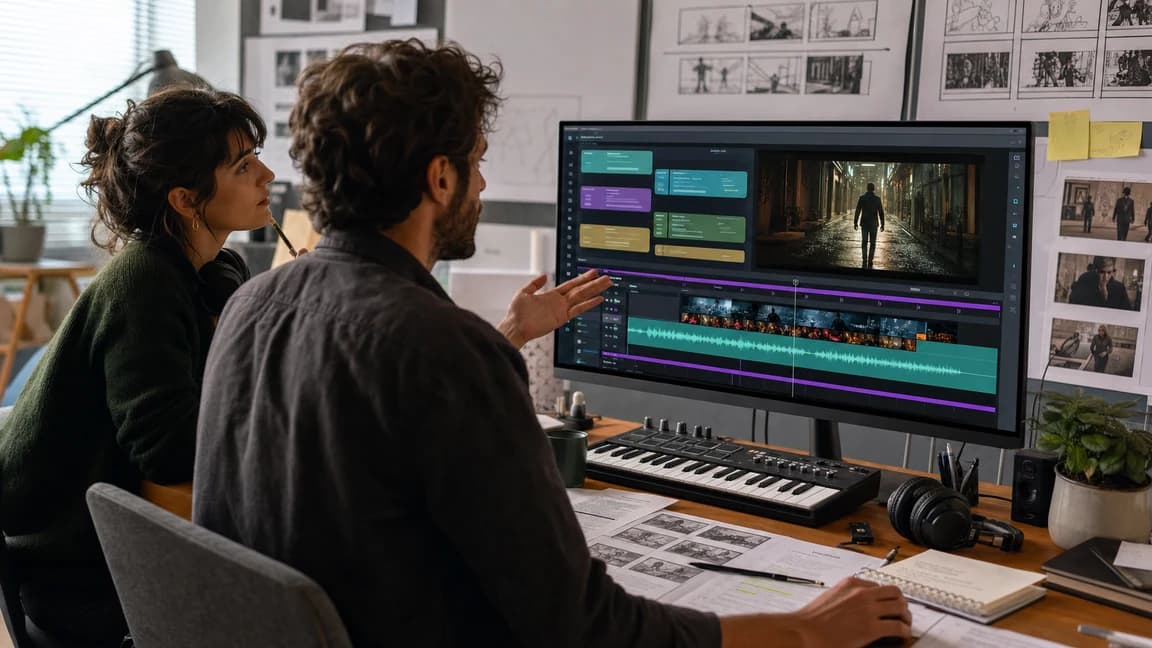
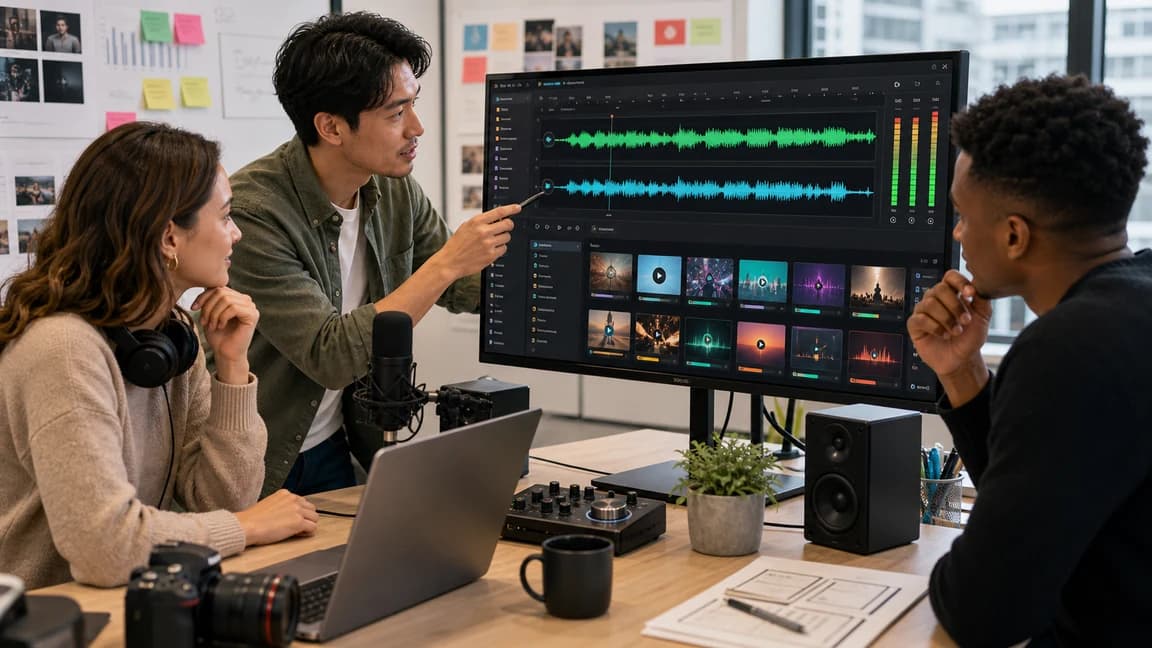
Use your instrumental base as the song foundation.
Go to AI Music GeneratorText to Music is best for instrumental-first work: background music, scene scoring, podcast beds, video intros, product demos, and atmosphere sketches.
AI Music Generator is the broader full-song workspace for vocals, song sections, and arrangement. Text to Music is narrower when the main requirement is mood, pacing, and instrumental support.
Yes. Use the instrumental idea as a creative direction, then move into AI Music Generator, Own Lyrics, or lyrics-first workflows when vocals and song structure matter.
Clear placement, mood, tempo, instruments, length, and content context help. For example, say whether the track is for a voiceover, ad, product demo, podcast intro, or scene transition.
Commercial usage depends on your active plan and the current License Agreement. Active paid subscriptions include commercial usage rights for covered output; certificate issuance requires an active or trialing annual Starter or Plus subscription. Free usage is for evaluation.
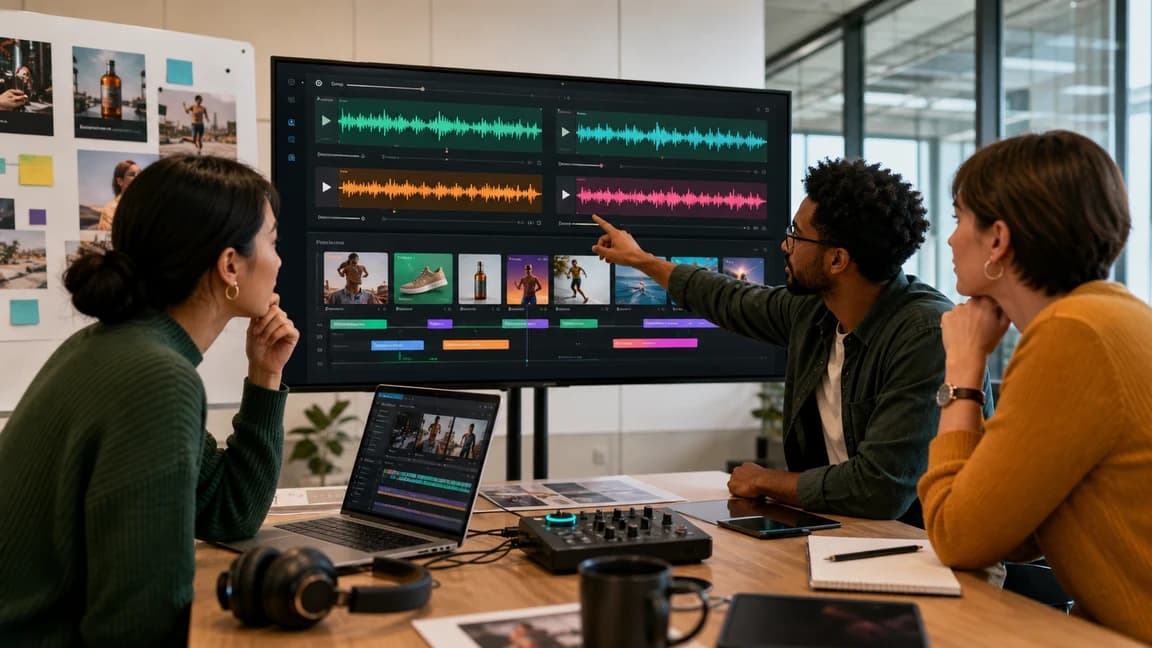
Start with mood and motion, then promote the best direction into full songs.