Sunoi

AI Song Extender

Extend existing songs up to 8 minutes by adding new sections that match the original feel.

Select your song

Choose a song from your Sunoi library to extend it.

What AI Song Extender Does

Use it to move from a promising source track into a more complete arrangement: AI Song Extender sits after AI Music Generator in the Sunoi workflow. When a generated track has the right hook, voice, or mood, use this page to keep that take and add more runway instead of starting over. This keeps the site hierarchy simple: generate the first song, extend the best version, then split stems or remove vocals only when the arrangement is worth refining. Before you extend a track, you need a song in your Sunoi library. Running an extension requires a paid plan and uses 1 generation credit. Best fit:

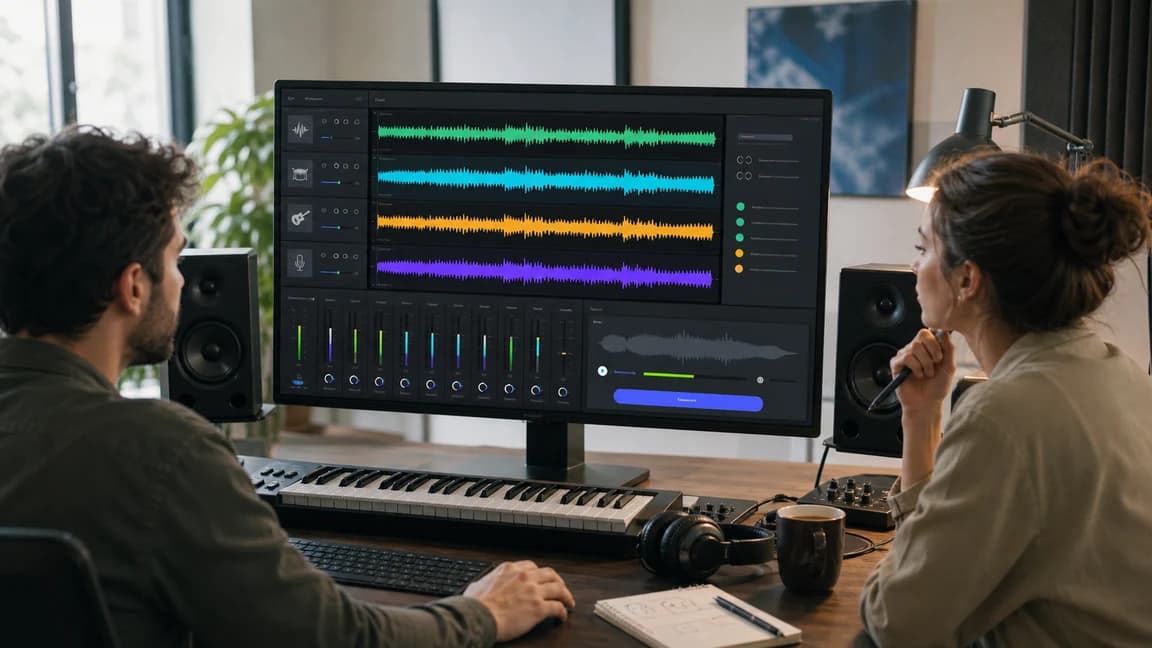
AI Song Extender workflow showing a source waveform, continuation point, and newly generated section

AI Song Extender workflow showing a source waveform, continuation point, and newly generated section

This keeps the site hierarchy simple: generate the first song, extend the best version, then split stems or remove vocals only when the arrangement is worth refining.

keep a strong generation

keep a strong generation

shape the arrangement

shape the arrangement

avoid a full restart

avoid a full restart

prepare the next post tool

prepare the next post tool

How It Works

Step 1 - Select Your Song

Choose an existing song from your Sunoi library that you want to continue or lengthen.

Step 2 - Describe the Extension

In your extension prompt, describe what you want to add:

Step 3 - AI Generates a Seamless Extension

AI Song Extender uses the source track as a reference for:

Controls After Generation

Pick the Continuation Point

Start the extension from the strongest moment in the source track instead of regenerating the whole song.

Guide the Next Section

Use a short prompt to ask for a bridge, outro, instrumental break, bigger chorus, or longer arrangement.

Preserve the Original Feel

The extension follows the source track so the new section feels connected to the song you already liked.

Keep Working in the Suite

After extension, continue with stem splitting, vocal removal, download, or library review from the same Sunoi workflow.

Typical Use Cases

Expand demo tracks into full songs

Turn short promising drafts into fuller arrangements for review.

Create longer versions for streaming

Prepare longer versions for platforms, videos, or client previews.

Add new sections before publishing

Insert intros, bridges, or endings before your final release.

Improve structure without DAW editing

Refine song arrangement without complex timeline edits.

Enhance AI-generated songs

Add deeper arrangement and better flow to generated tracks.

AI Song Extender vs Regenerating a Song

Use AI Song Extender when a track is already close and you want to add sections without losing the original direction. Regenerate or edit manually when the source idea itself needs a new take.

Starting point

Start from the song you already like Start from a new prompt or a DAW timeline

Continuity

Uses the source track as the reference May change style, vocal tone, or structure

Section control

Choose a continuation point and describe the next section Requires arrangement edits or repeated prompts

Best use

When the hook, voice, or mood is worth keeping When the original direction is wrong

Where AI Song Extender fits in your workflow

Start in AI Music Generator when you need the first full song. Bring the winning result here to lengthen the arrangement, then move into separation tools if you need more post-production control.

Start from a full song

Generate the first complete track in AI Music Generator, then come back here when you want a longer intro, bridge, or ending.

Open AI Music Generator

Move into stem control

After extending the arrangement, split the best version into stems for deeper remix and production workflows.

Open Stem Splitter

Make a quick vocal split

If you only need the vocal and the backing separated after extension, use Vocal Remover as the next post step.

Open Vocal Remover

Frequently Asked Questions

How long can I extend my song?

You can extend your track up to 8 minutes total length, depending on the original duration.

What types of sections can I add?

You can add intros, bridges, outros, instrumental breaks, or extend existing parts of the song.

Will the extension match my original style?

Yes. The extension is generated from the source track so it follows the original tempo, harmony, and instrumentation as closely as possible.

Do I need music production experience?

No. The process is fully automatic and runs directly in your browser.

Can I extend songs I created outside Sunoi?

This page is built around songs in your Sunoi library. Generate or save a song in Sunoi first, then choose it here to extend.

Is AI Song Extender free?

The page is public, but running a song extension requires a paid plan and uses 1 generation credit.

How is AI Song Extender different from regenerating?

Regenerating starts a new take from a prompt. AI Song Extender keeps a source track you already like, lets you pick the continuation point, and adds a new section from that context.

Where do extended songs appear?

After you submit an extension, the new version is queued and appears in My Songs when generation is complete.

Start Extending with AI Song Extender

Select a song you already made, extend the strongest version, and keep the workflow moving without rebuilding the track from scratch.