
Original audio
The complete mix stays available as the source reference.
Upload audio from your device or choose a song from your library. Processing requires a paid plan. Creates exactly two tracks: Vocals and Instrumental.
Select a song
Choose a song from your Sunoi library to separate vocals.
Two-track vocal separation
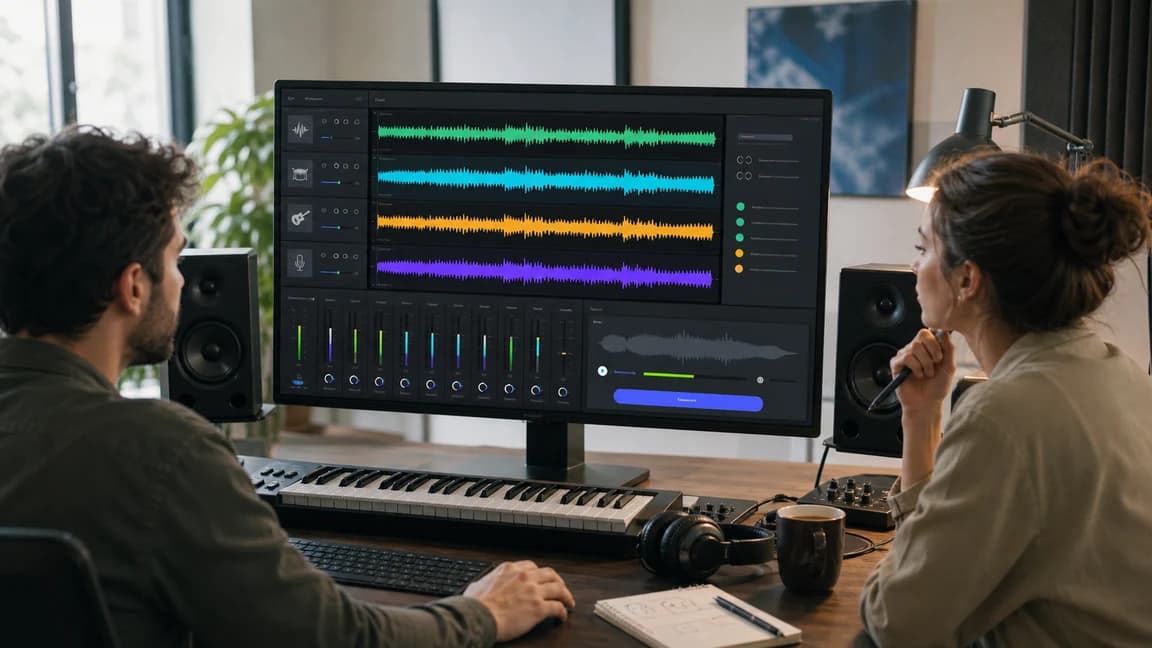
Use AI separation on a local audio file or a completed Sunoi library song. Vocal Remover is built for the classic two-output job: one isolated vocal track and one instrumental backing track saved to your account. Vocals Instrumental Compare the source mix with the isolated vocal and instrumental outputs before choosing your own saved track.
The complete mix stays available as the source reference.
Lead vocal is isolated for remixing, practice, and reference work.
Backing audio keeps the arrangement while removing the lead voice.
Turn one completed Sunoi track into vocal and instrumental files without manual audio editing.
Upload an audio file or choose a song generated by Sunoi from your music library.
The AI analyzes the full mix and separates the lead vocal from the instrumental backing.
Use the new vocal and instrumental results from My Songs for karaoke, remixing, rehearsal, video, or related production workflows.
Vocal Remover features
Use Vocal Remover when you need a clean vocal plus instrumental result from a song already stored in Sunoi.
Get a practical two-track result for common vocal-removal jobs without setting up a DAW.
Try the removerSelect a saved song, run separation, and move into your next creative step with fewer manual edits.
Separate a trackCreate the source song, run vocal removal, or switch to Stem Splitter when the project needs drums, bass, keys, guitar, and other stems.
Explore stemsUse tracks already generated and stored in Sunoi, keeping the separation process tied to your account workspace.
Open My SongsSuite handoff
Use Vocal Remover as the fast two-track post-production step: create or choose the source song, separate the vocal and instrumental, then move to deeper stem control only when needed.
Use AI Music Generator when you need a new full song with vocals, then come back here to separate it into vocal and instrumental versions.
Open AI Music GeneratorCreate a fresh background track in Text to Music when you want a non-vocal cue before you ever need vocal removal.
Generate Instrumental MusicOpen Stem Splitter when vocal and instrumental outputs are not enough and you need drums, bass, keys, guitar, and more as separate parts.
Open Stem SplitterUse the two outputs for karaoke, covers, remix sketches, rehearsal, background beds, and creator workflows without leaving your Sunoi library.
Extract vocals for remix sketches, mashups, arrangement references, and fast production experiments.
Create instrumental backing tracks for practice, covers, performances, and karaoke-style sessions.
Turn a song into background music that keeps the arrangement while removing distracting lead vocals.
Prepare vocal-free practice tracks or isolate phrasing examples for lessons, rehearsals, and guided feedback.
AI Vocal Remover separates uploaded audio or a completed Sunoi library song into two outputs: one vocal track and one instrumental backing track.
Upload an audio file or select a completed song from your Sunoi library, run Vocal Remover, and the system saves separate vocal and instrumental outputs to My Songs.
No. The current vocal-remover backend is available to paid subscribers. Free users can explore Sunoi and create songs, then upgrade before running vocal separation.
Yes. Upload a supported audio file or choose From My Music to reuse a completed Sunoi song. The separated outputs are saved to My Songs.
Yes. The instrumental output removes the lead vocal while preserving the backing arrangement as much as the AI separation allows.
Use Stem Splitter for full multi-part separation. Vocal Remover is focused on the classic two-output split: vocals and instrumental backing.
Pick a completed song from your library, create vocal and instrumental outputs, and move into karaoke, cover, remix, rehearsal, or content workflows without leaving Sunoi. Paid plan required for vocal removal